Help Center

Microsoft CoPilot + GReminders
GReminders integrates with Microsoft Copilot, bringing the same powerful scheduling, calendar, CRM, and practice intelligence directly into the Microsoft 365 ecosystem. Whether you’re working in Outlook, Teams, or other Microsoft applications, Copilot can leverage GReminders to help you schedule meetings, answer questions about your practice, and access the information you need without leaving your workflow. […]
Claude + GReminders: Your Advisory Tech Stack, Connected

AI is most valuable when it understands the context of your business. By connecting GReminders to Claude, financial advisors can go beyond general-purpose AI and interact directly with their calendars, CRM, and client data using natural language. Schedule meetings, check availability, look up clients and households, answer questions about your practice, and access information across […]

Pre Meeting Briefs

A 2023 Kitces Survey said Financial Advisors spend 4 hours PER client PER Year on Meeting Preparation. This includes things like remembering back to the last conversation, collecting notes and making themselves refamiliar with the client or prospect. What does their portfolio performance look like? Or how have recent market events affected their thinking. Did […]

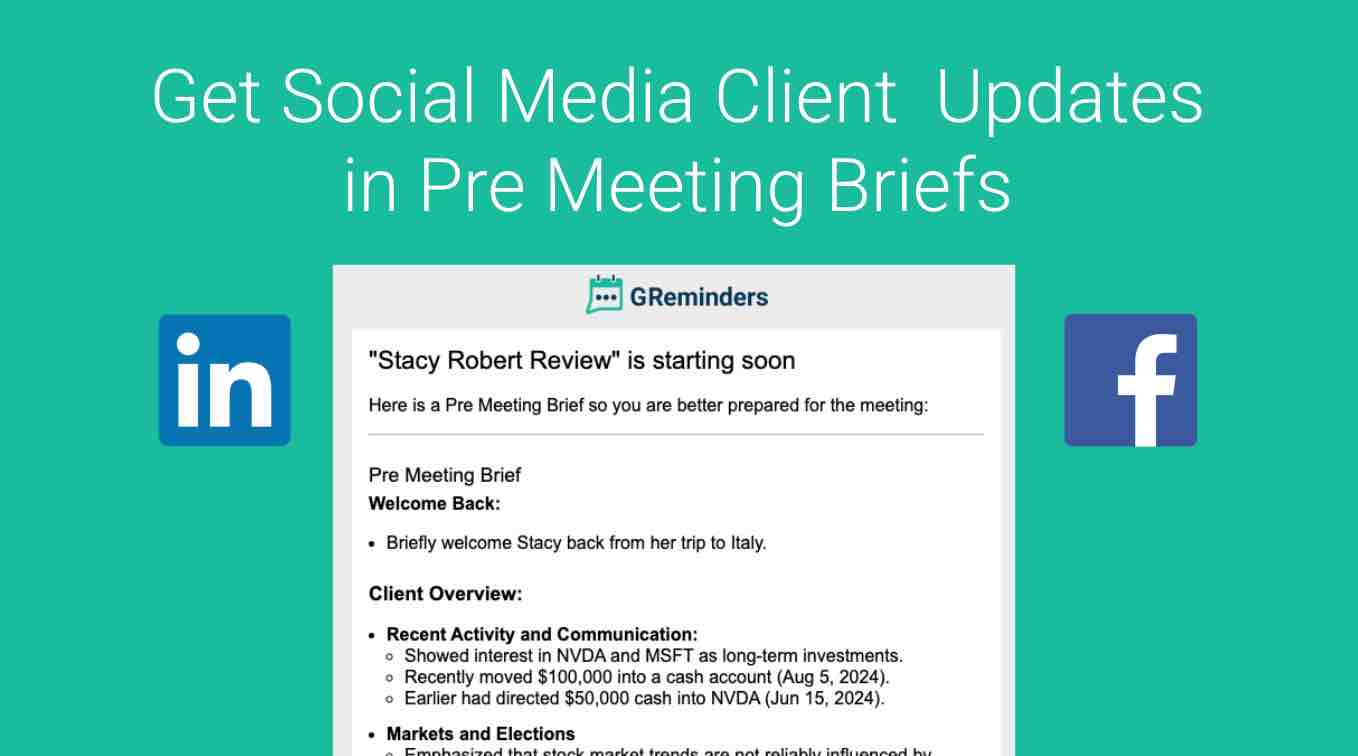
Get The Latest Social Media Posting from your Clients

Financial advisors build stronger relationships when they stay informed on what’s happening in their clients’ lives and businesses. Recent LinkedIn or Facebook activity can provide valuable context around career changes, company updates, milestones, and personal achievements – helping advisors have more meaningful and relevant conversations. Being prepared with this insight creates a more personalized client […]

Applying Licenses

GReminders has different licenses for different use cases. When you purchase Scheduling or Notetaker Unlimited License(s) you will decide who those licenses should be assigned to. To apply these Licenses you need to be an Administrator. Go to Setup > Users From here you can apply licenses at the user level, or use the checkboxes […]

AI Knowledge Feature

Best Practices for More Accurate, Context-Aware AI Outputs The Knowledge feature in GReminders is designed to give your AI the context it needs to operate like your firm – not a generic model. Instead of relying on assumptions, the AI uses what you define here to generate more accurate, consistent, and tailored outputs across meeting […]

Make GReminders a Trusted App in Google Workspace

AI features within GReminders are transformational for Financial Services and other Professionals. The more data AI has the more useful it becomes for you as an Assistant. Some examples what we do with Email: Google and GReminders take security very seriously. Please visit the GReminders Security Page and or request our Security Whitepaper from your […]